
01
Install the app
Open the M2POS listing on Google Play and install it on a compatible Android device.
Install the M2POS Android app from Google Play. Use it on a compatible phone, tablet or POS terminal, then sign in to your business account.
Google Play opens in a new tab. Device availability depends on Google Play and model compatibility.
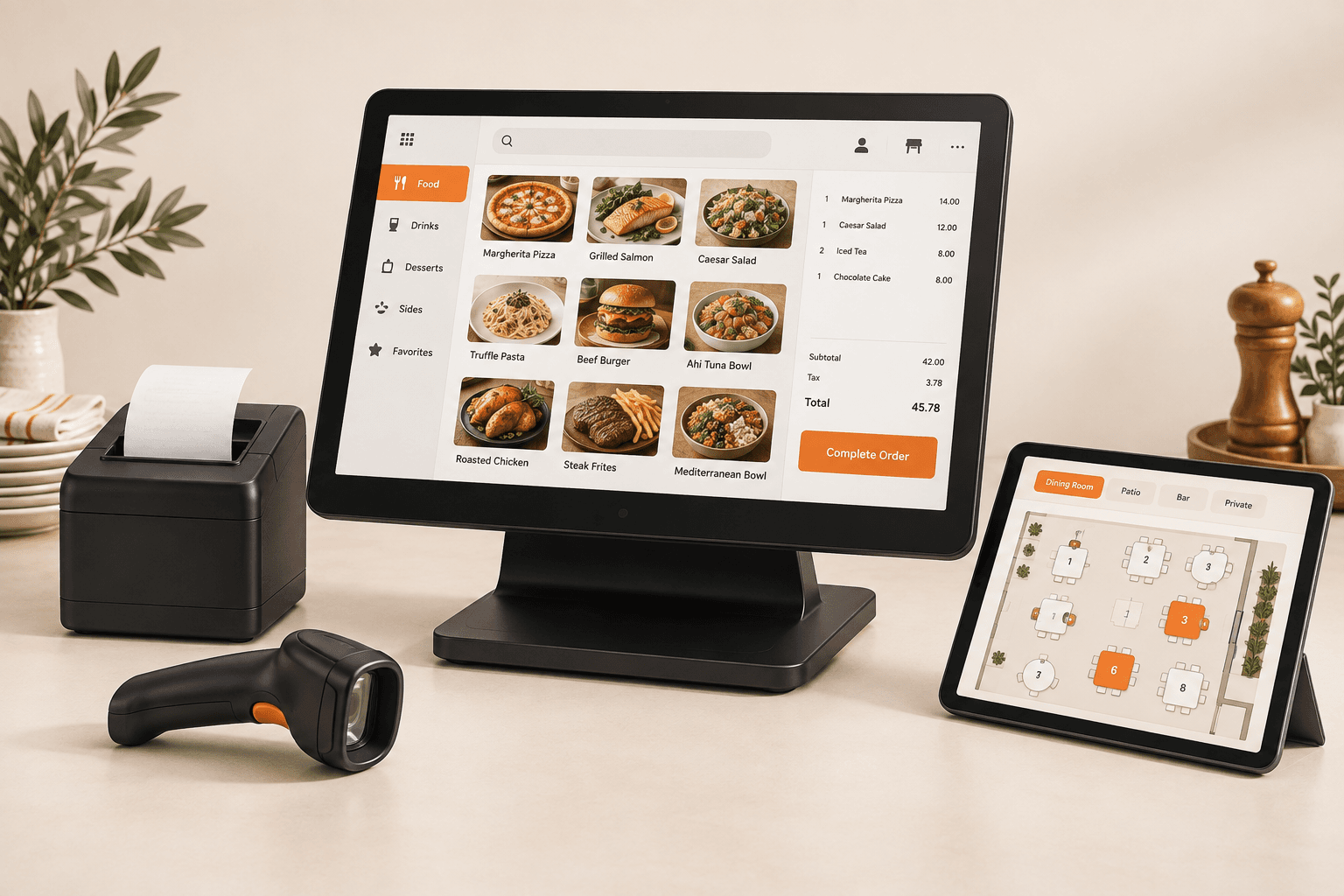
Getting started
Open the M2POS listing on Google Play and install it on a compatible Android device.
Use your M2POS business account to connect the app to your workspace.
Select your terminal, unlock with your staff PIN and follow the shift setup on screen.
We can help you check devices, printing and migration options for your business.